Is your logo ready for print?
Blog / Vector art
A quick preflight for logos that move between shirts, decals, and other print jobs.
Open the original file
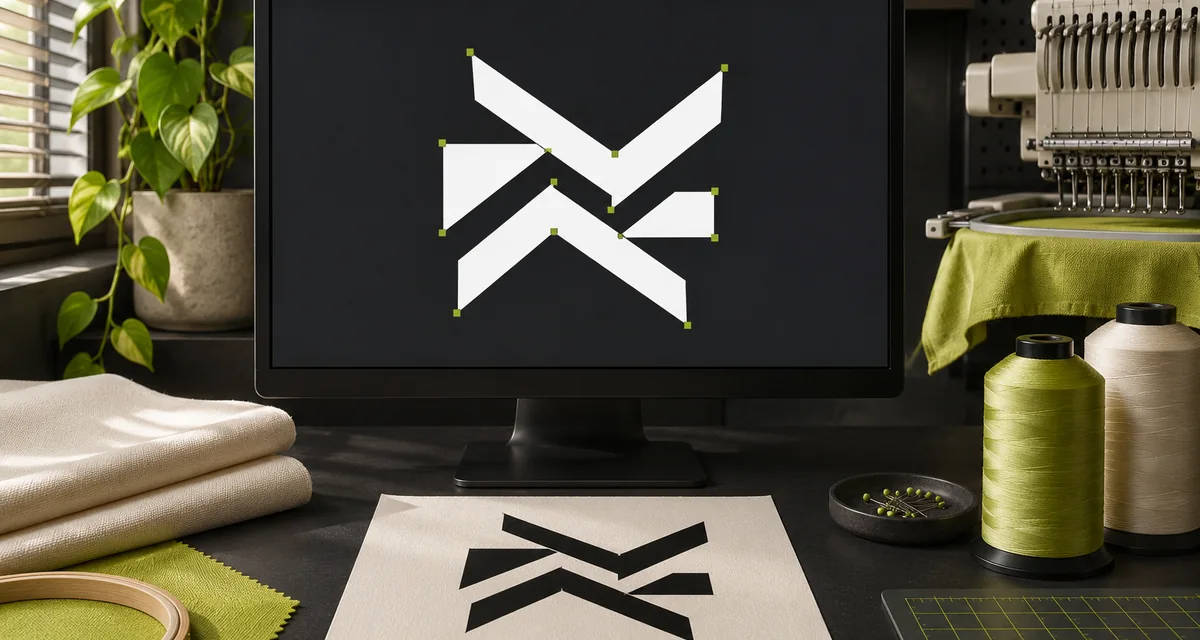
A PDF or SVG can contain a low-resolution image. Open the artwork and check that the logo is built from editable shapes or paths. If all you can select is one image, send the best source you have and tell the printer what it needs to go on.
Check positive and reversed versions
A logo made for a white background may lose detail on a black shirt. Look at light and dark versions side by side. Check the spaces inside letters and symbols so they don’t accidentally fill in or disappear.
Send both the artwork and a visual reference
Include the editable source if you have it, plus a PDF or PNG that shows how it should look. Keep an editable master before converting fonts to outlines. Write down any required brand color references and check the exact format with the printer.
Specify the output instead of guessing
A one-color decal and a full-color print have different requirements. Share the production method, material, final dimensions, and whether you need a one-color version. That gives the artist enough information to prepare the right file without replacing your original.